⌁ Sowtizyn Support Center

Install With Confidence
Get Support Faster

Find installation guides, troubleshooting tips, and support for your Sowtizyn car stereo, including CarPlay, CANBUS, audio, backup camera, and GPS.

Vehicle CompatibilityCANBUS SettingsBackup Camera Setup
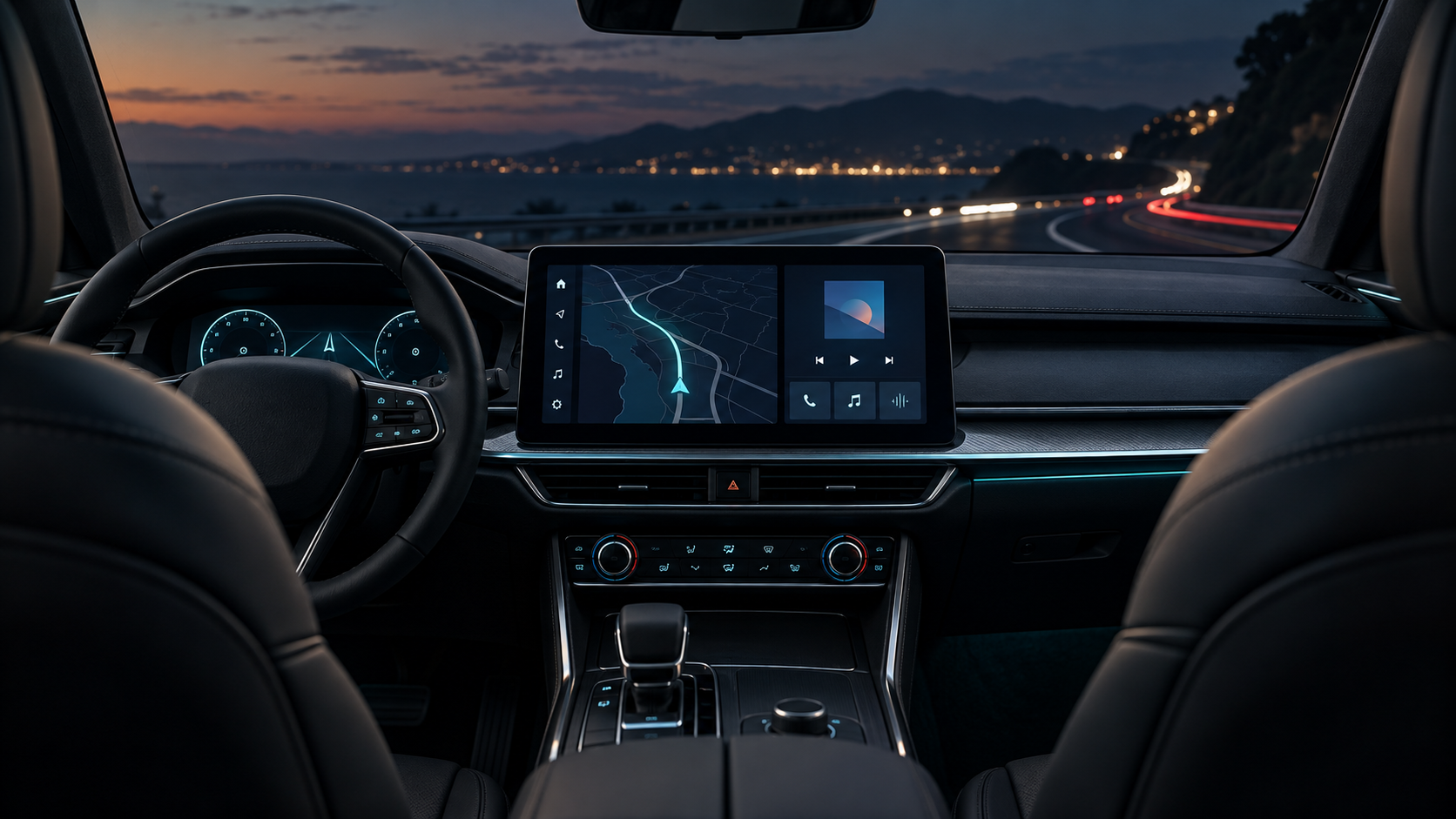
Modern vehicle cockpit with an installed center navigation screen CAR STEREO SUPPORT
CarPlay & Android AutoGPS & NavigationSound Settings

01 · INSTALLATION GUIDES

Find your vehicle installation guide

Select your vehicle to view installation videos, photos, and manuals.

Installation Photos

Before you begin

Installation Manuals

PDFInstallation manualRequest PDF Manual

Safety: Before installation, park the vehicle safely and turn off the ignition. Follow all instructions carefully. If you are not familiar with vehicle wiring, professional installation is recommended.

02 · TROUBLESHOOTING

What issue are you experiencing?

03 · COMMON QUESTIONS

Car Stereo FAQ

Why do the steering-wheel buttons not work after installation?+

Confirm the CANBUS box and its power plug are connected, then select the correct vehicle protocol in Factory Settings. Save, restart, and use key learning only if individual buttons still do not respond.

Why does wireless CarPlay keep disconnecting?+

Remove previous pairings from both devices, restart Bluetooth and Wi-Fi, then pair again. Allow all required CarPlay permissions and temporarily disable VPN or Personal Hotspot.

Why does the backup camera show “No Signal”?+

Check camera power, video input, and the reverse trigger wire. Then confirm the camera format matches the CVBS or AHD setting. Factory cameras may require a dedicated adapter.

What should I do before removing the dashboard trim?+

Park safely, turn the vehicle off, keep a record of important factory settings, and follow the vehicle service procedure. Use plastic trim tools and ask a professional installer if you are unfamiliar with automotive wiring.

04 · SUPPORT REQUEST

Tell us about your issue

If you still need help, send your vehicle details, issue description, and photos/videos to our support team. Support@sowtizyn.com Fill in your information below. We will create a support message with your vehicle details and issue information.

Helpful Attachments
  • Factory radio front and rear connector photos
  • Main harness, CANBUS, and camera wiring photos
  • A 15–30 second video showing the full issue

Safety: Never inspect the screen or record a video while driving.

Enlarged installation image